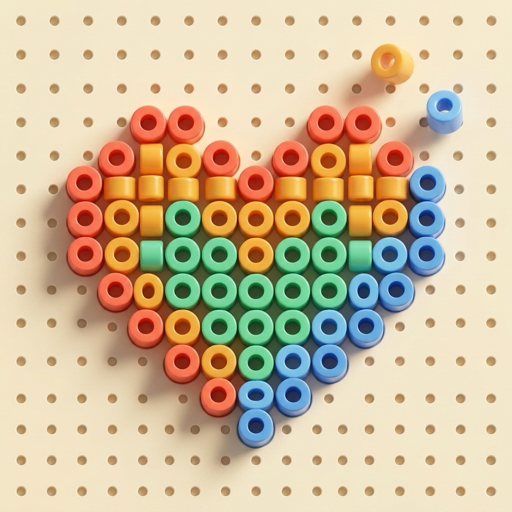
Turn Any Photo Into a 3D Bead Template.
SnapBead transforms your favorite camera roll photos—pets, portraits, travel memories, and illustrations—into crisp, customizable Perler-style bead patterns and relaxing color-by-number art.
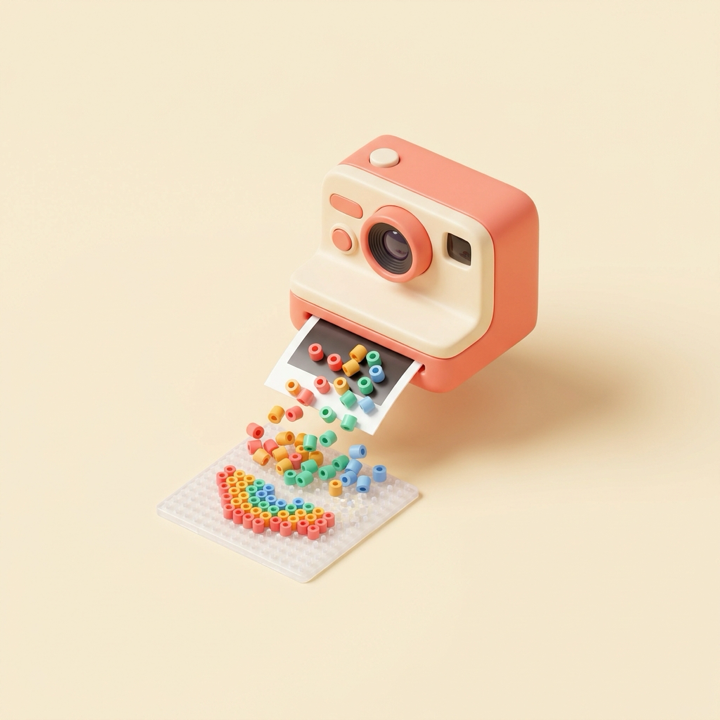
From Photo to Bead Template in 3 Steps
No design skills required. Generate recognizable, high-contrast pixel bead templates from any picture in seconds.
Snap or Pick a Photo
Import any picture from your iPhone or iPad library, take a live camera shot, or start with 9 built-in handcrafted scenes.
Customize Your Template
Name your template, switch between 3 contour enhancement modes, pick a grid density from 12×12 to 64×64, and select 6 to 24 adaptive colors.
Color, Save & Share
Tap or glide to fill glossy 3D beads on a tactile pegboard, or export your finished Polaroid card and artwork directly to Photos.
Designed for Pixel Lovers & Bead Crafters
Built natively for iOS with hardware-accelerated rendering and smart contour preservation.
Smart Contour Engine
4× supersampling, Sobel edge detection, and medoid clustering preserve crisp outlines and facial features even on small grids.
6 Grid Densities
Create quick 12×12 and 16×16 mini charms, medium 24×24 and 32×32 patterns, or detailed 48×48 and 64×64 studio templates.
Adaptive Color Palettes
Automatically extracts 6, 8, 12, 16, or 24 harmonious bead colors from your photo with instant Original vs. Bead live preview.
Smooth Zoom & Brush
Pinch to zoom up to 7×, pan freely with a live mini-map, and glide your finger to paint continuous runs of matching bead numbers.
Smart Power-Ups
Use Magic Wand for connected regions, 5×5 Color Bomb bursts, and Smart Hint auto-focus to breeze through complex templates.
Polaroid & Pure Export
Save high-resolution framed studio cards or pure bead artwork directly to your Photo Library and share with friends in one tap.